
Shopify Themes
What you get is the theme's ZIP file for your own Shopify store — not a site we host.


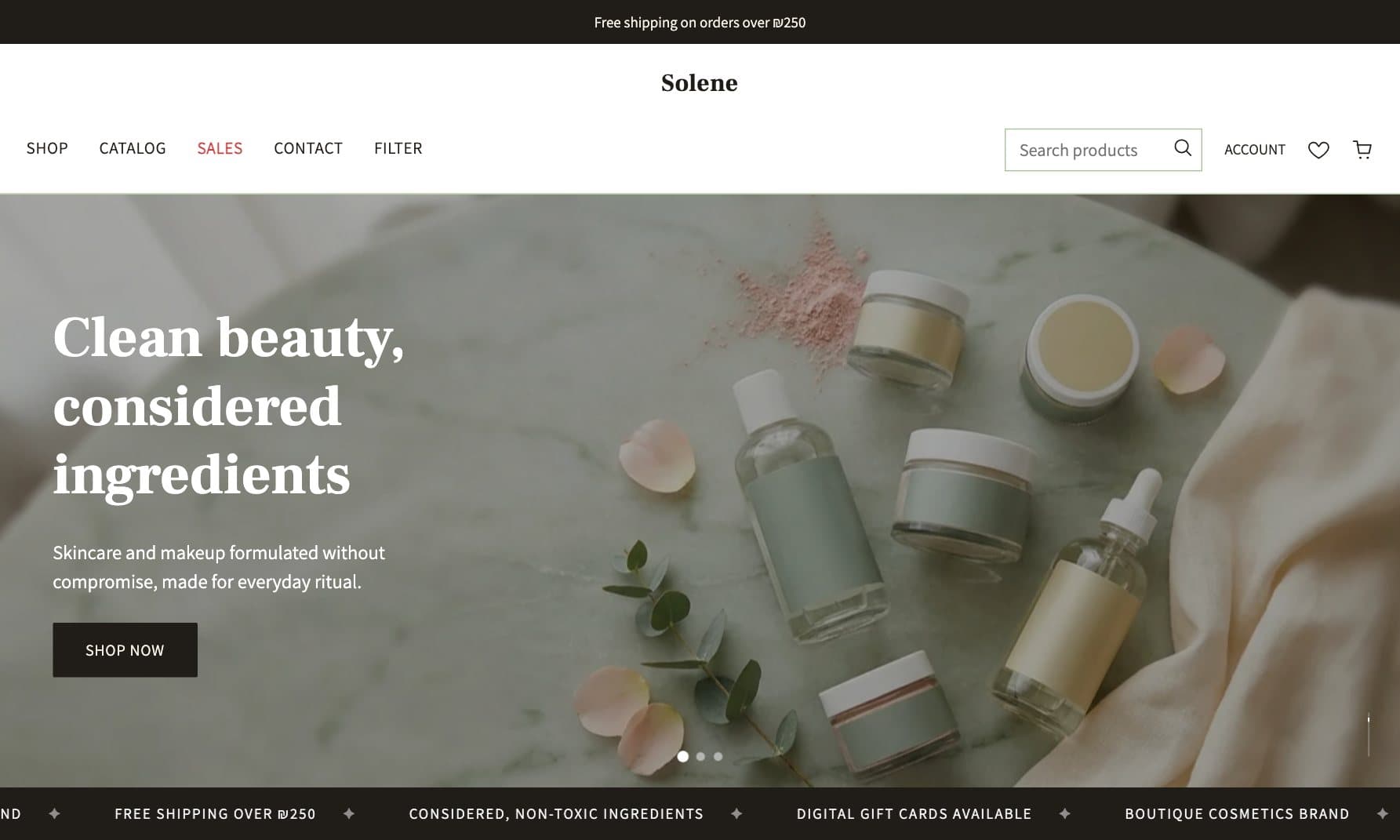
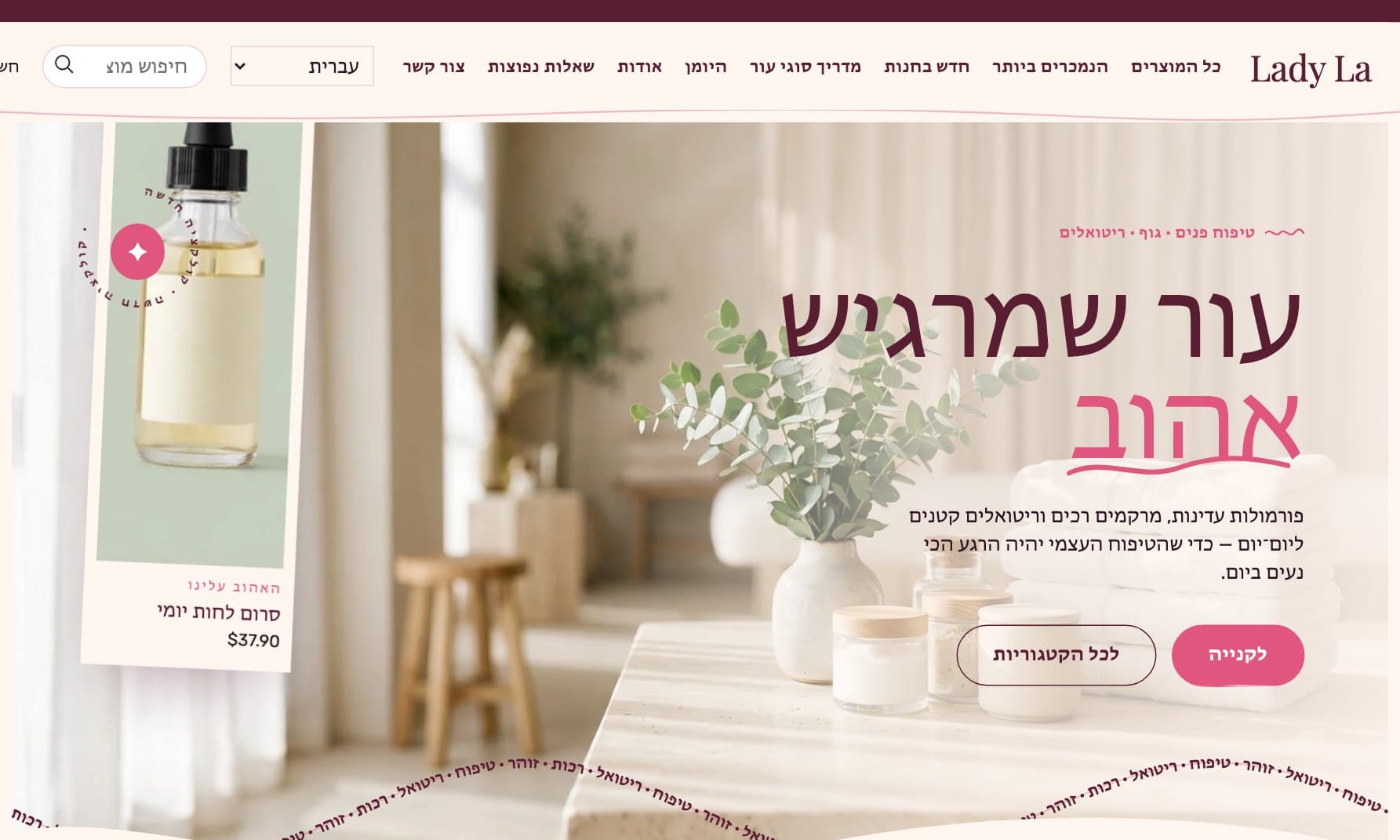
From choosing a theme to a store that is live
Find the theme that fits you
Open the live demo and walk through the store like a customer: browse products, add them to the bag and see how it looks on a phone. Found what you were looking for? Add it to your cart.

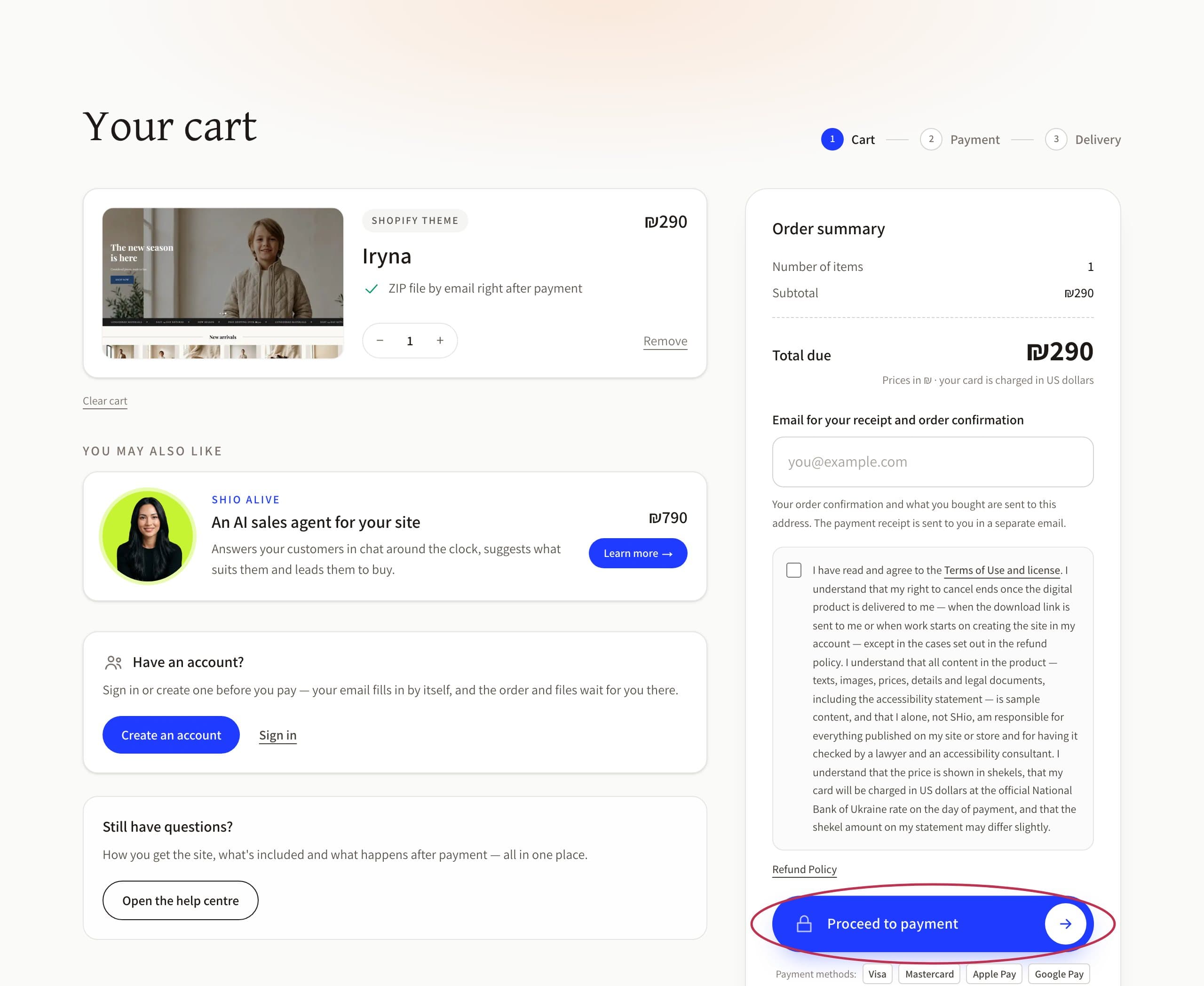
Fill in your details and pay
In the cart you leave your email and pay securely. One payment, and the theme is yours.
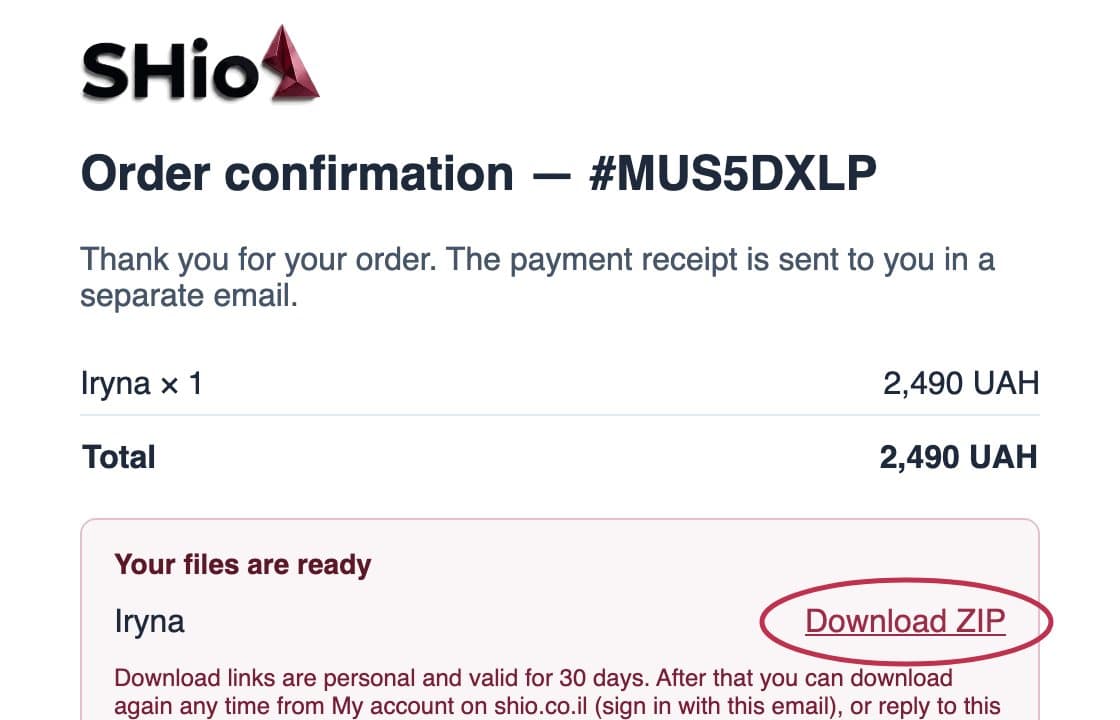
The theme lands in your inbox
After payment we email you a personal link to download the theme's ZIP file.
Install the theme in your store
Upload the file straight from your Shopify admin — a few minutes, no developer, no waiting on anyone. That's it: your new store is right in front of you.
Add your products and go live
Add products and photos, connect your domain and payments — and your store is open for customers. Everything stays yours, inside Shopify.
Hebrew from the ground up
Hebrew built into the theme — not translated onto it
Most Shopify themes are written in English, and Hebrew gets added later through automatic translation. The result is familiar: clumsy wording on buttons and in the cart, and a layout that stays the wrong way round. In our themes, Hebrew was there from day one.
- Every word already written in natural HebrewButtons, cart, search, filters and messages — all worded in advance, in the language your customers actually speak.
- The whole page right to left, not just the textThe moment the store switches to Hebrew, the whole design flips with it — from the menu to the cart.
- English is already inside tooWant to sell abroad as well? Add a language in your Shopify settings and the store speaks English too.

What is inside
In every theme, with no extra paid app.
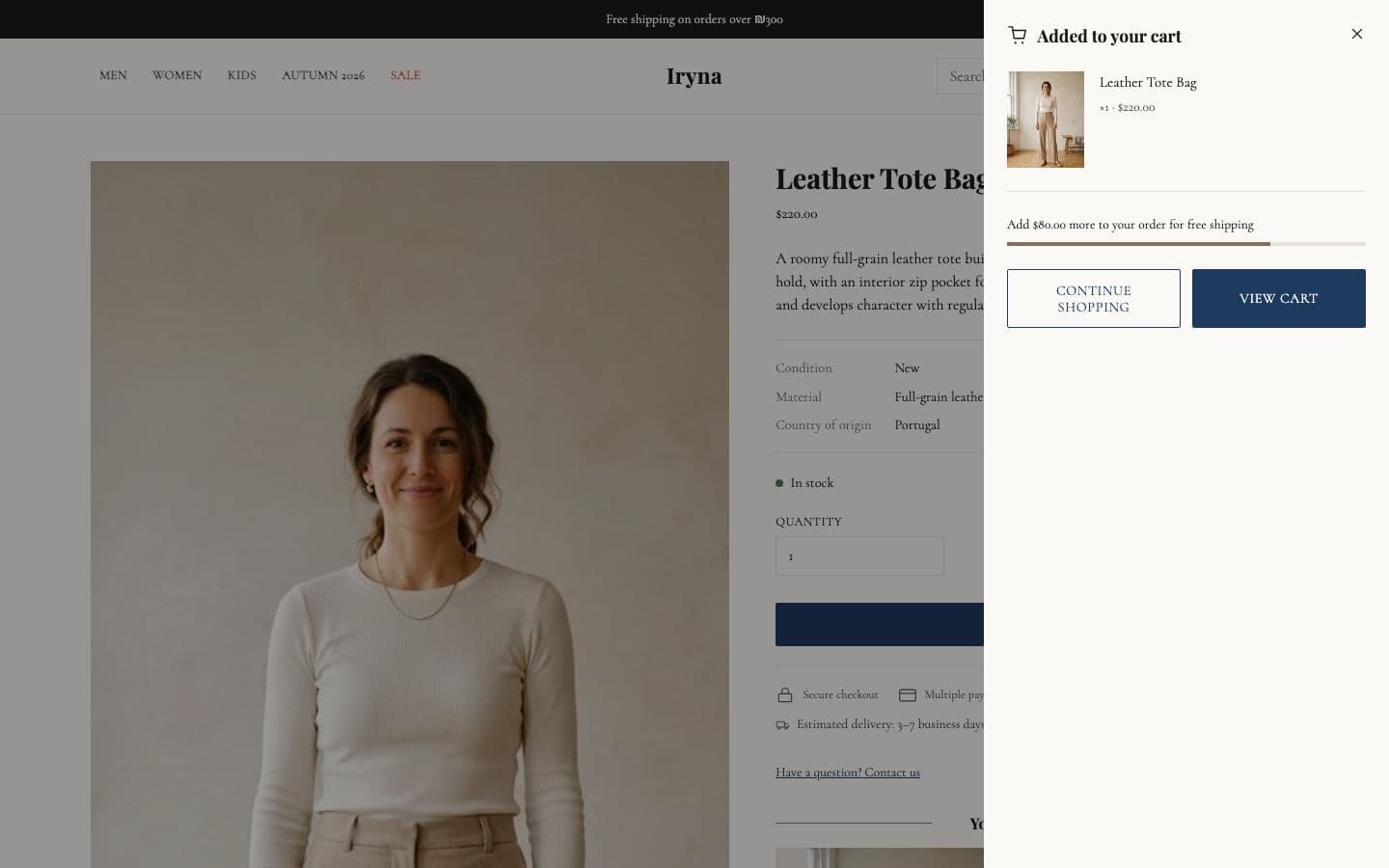
- Shopify's own cart and checkout
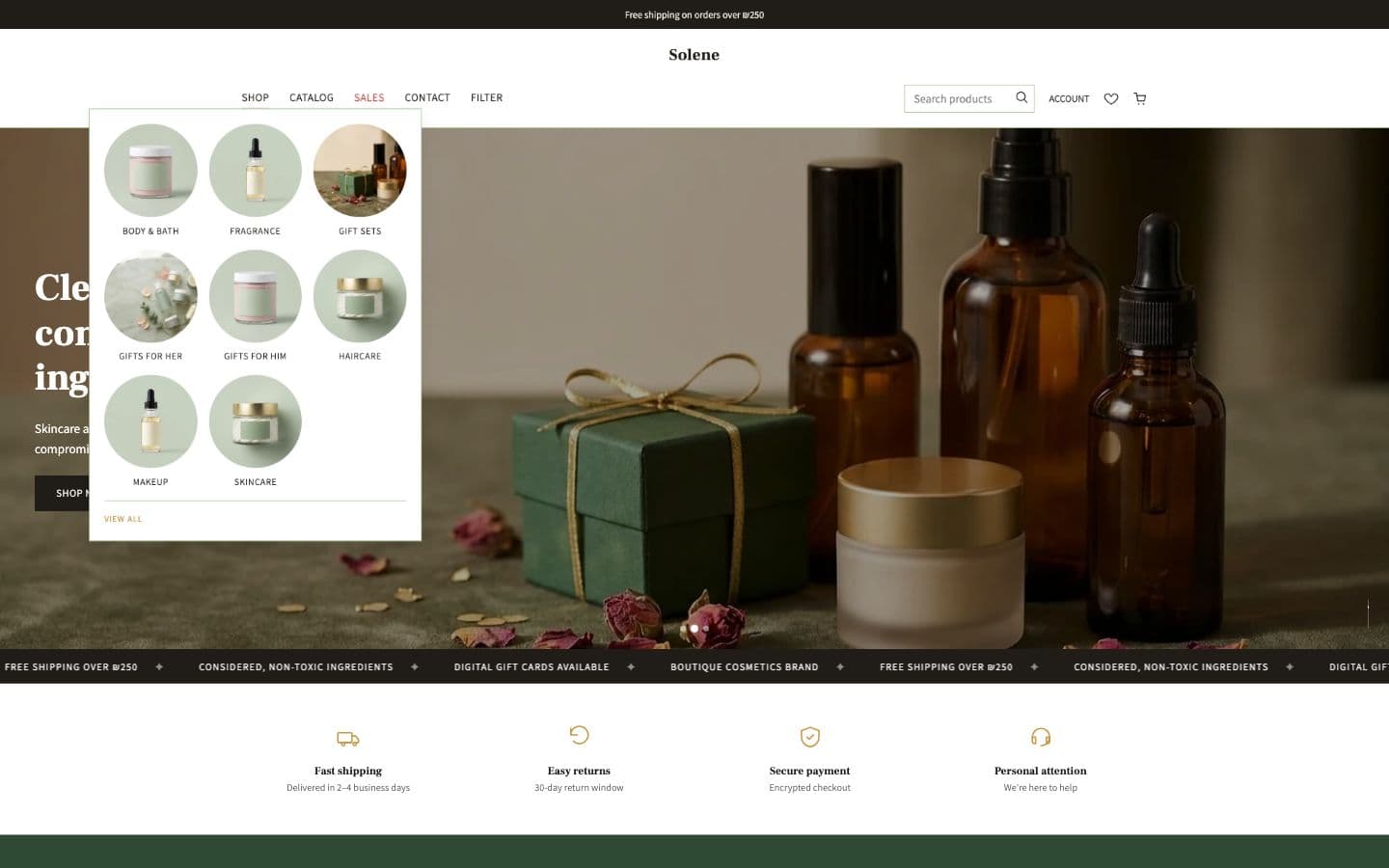
- Header category mega-menu
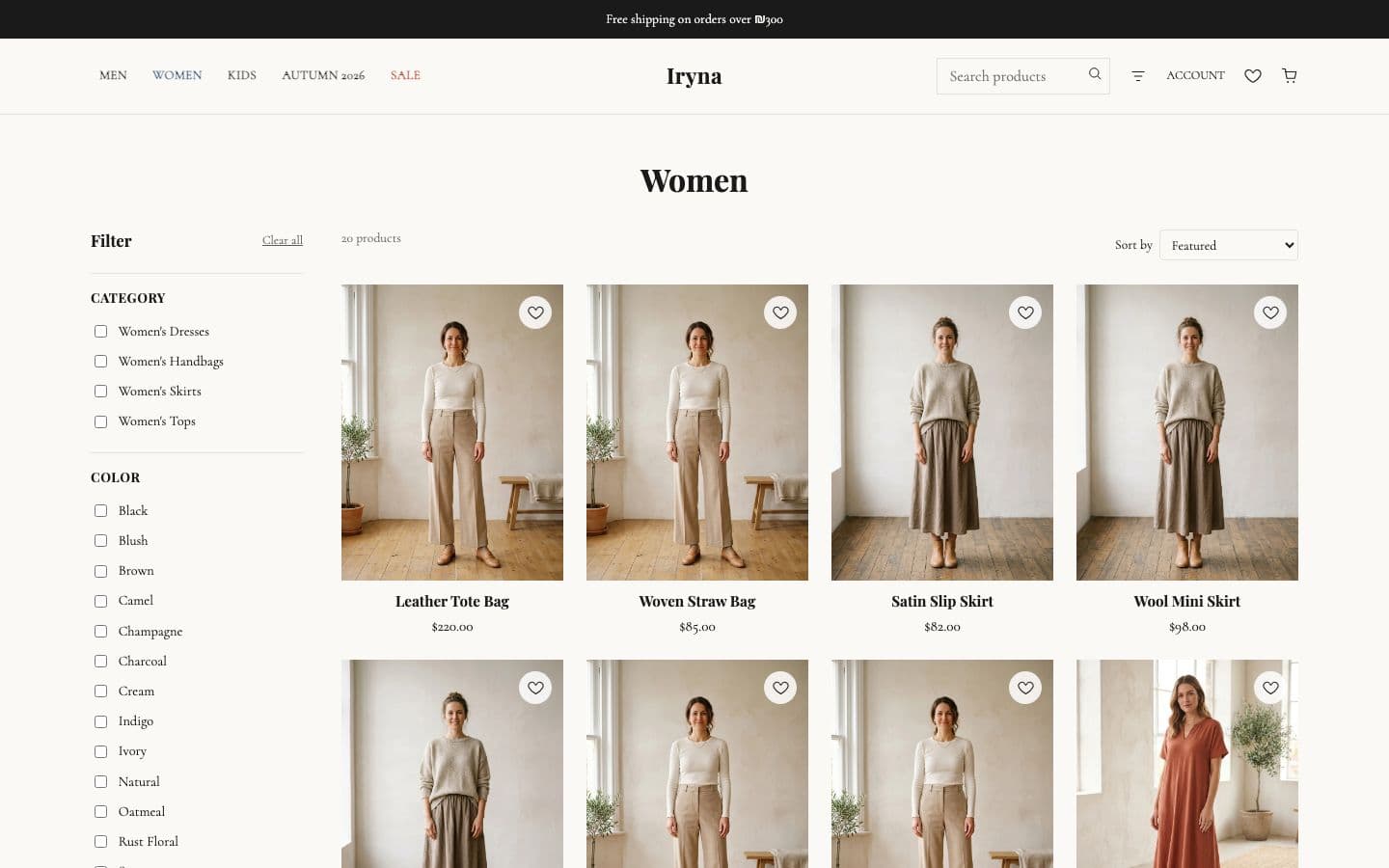
- Product, collection and search pages
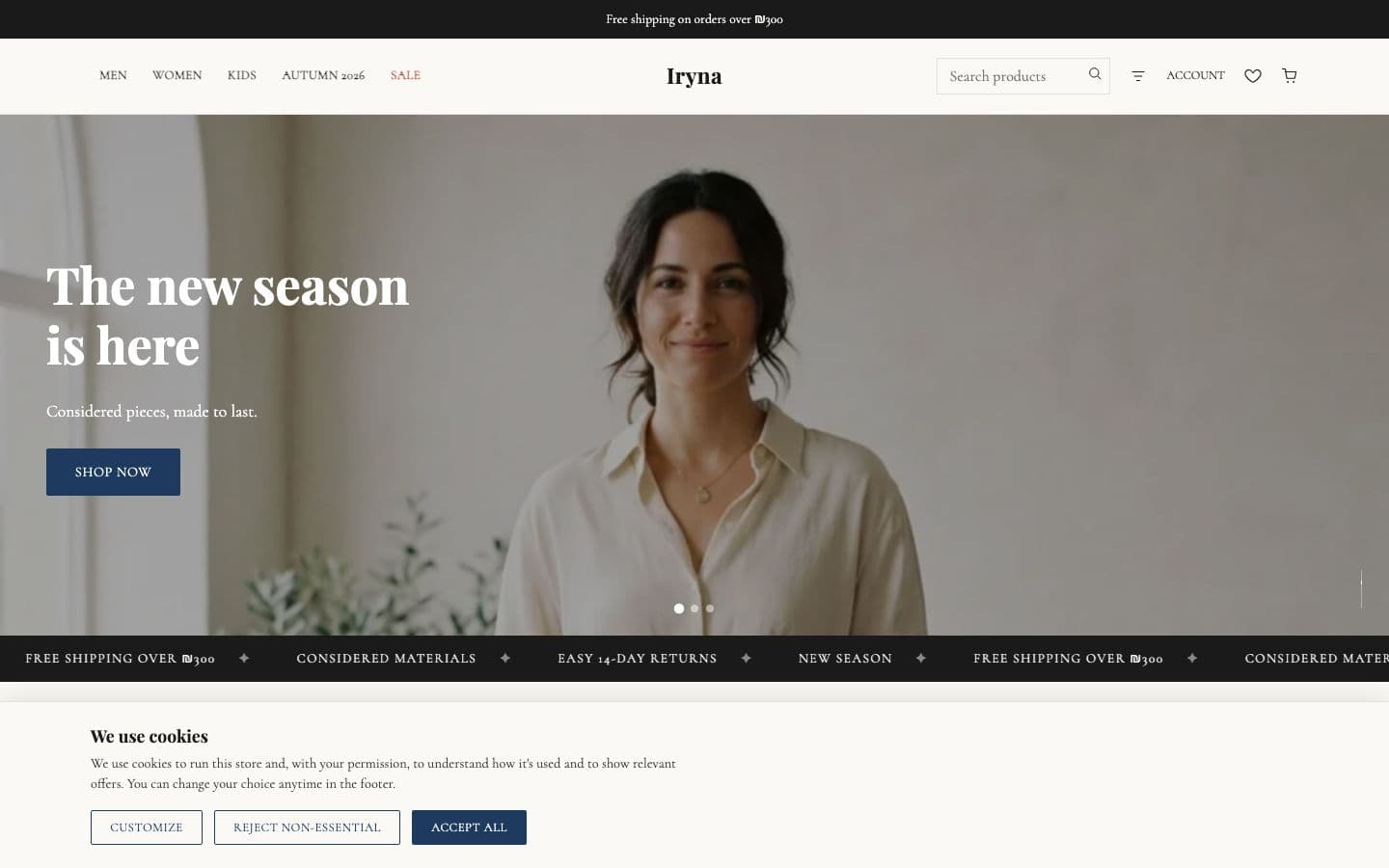
- Cookie banner with category-level consent
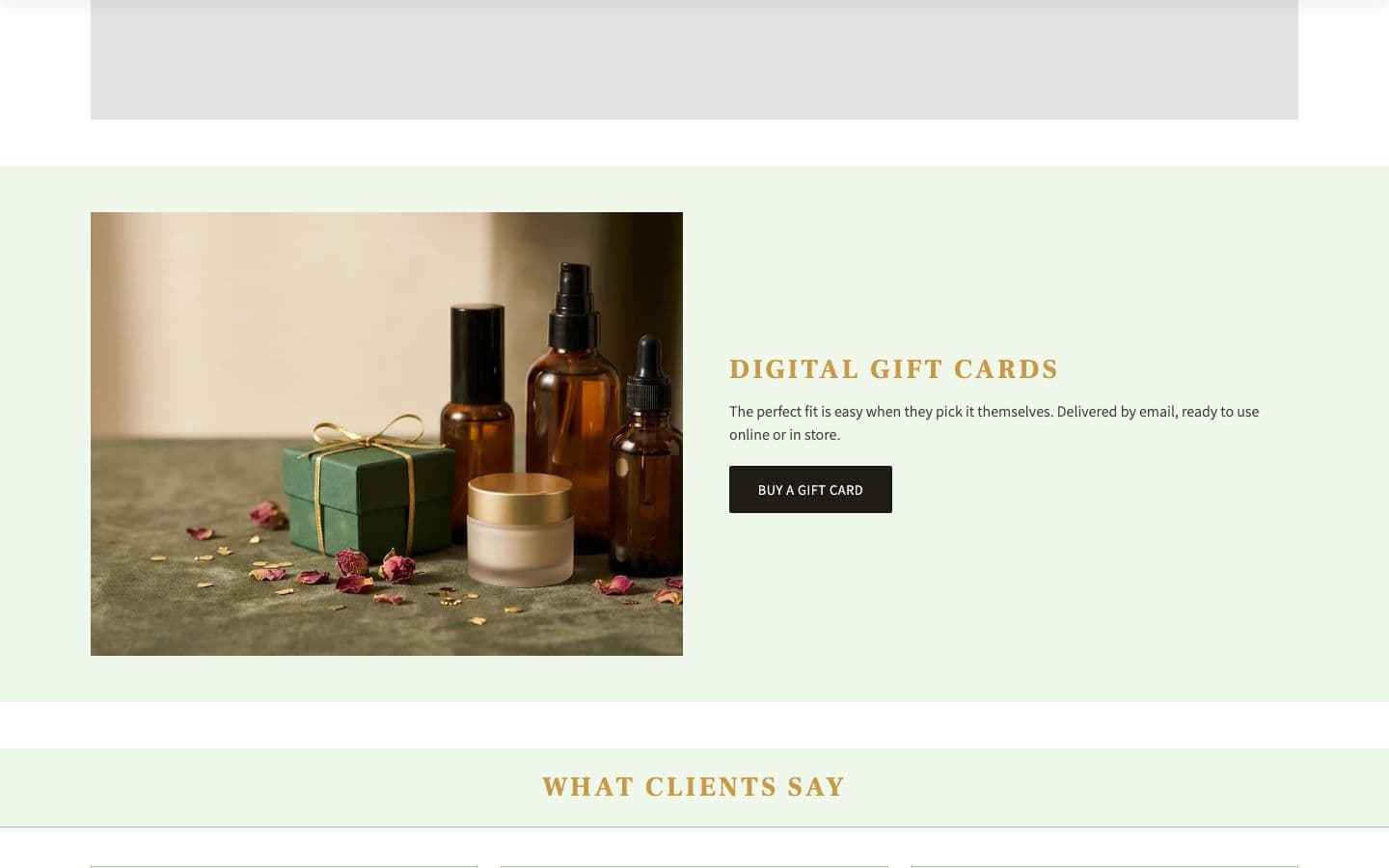
- Digital gift cards
- Full Hebrew RTL and English
- Text, colours and photos change in Shopify's theme editor
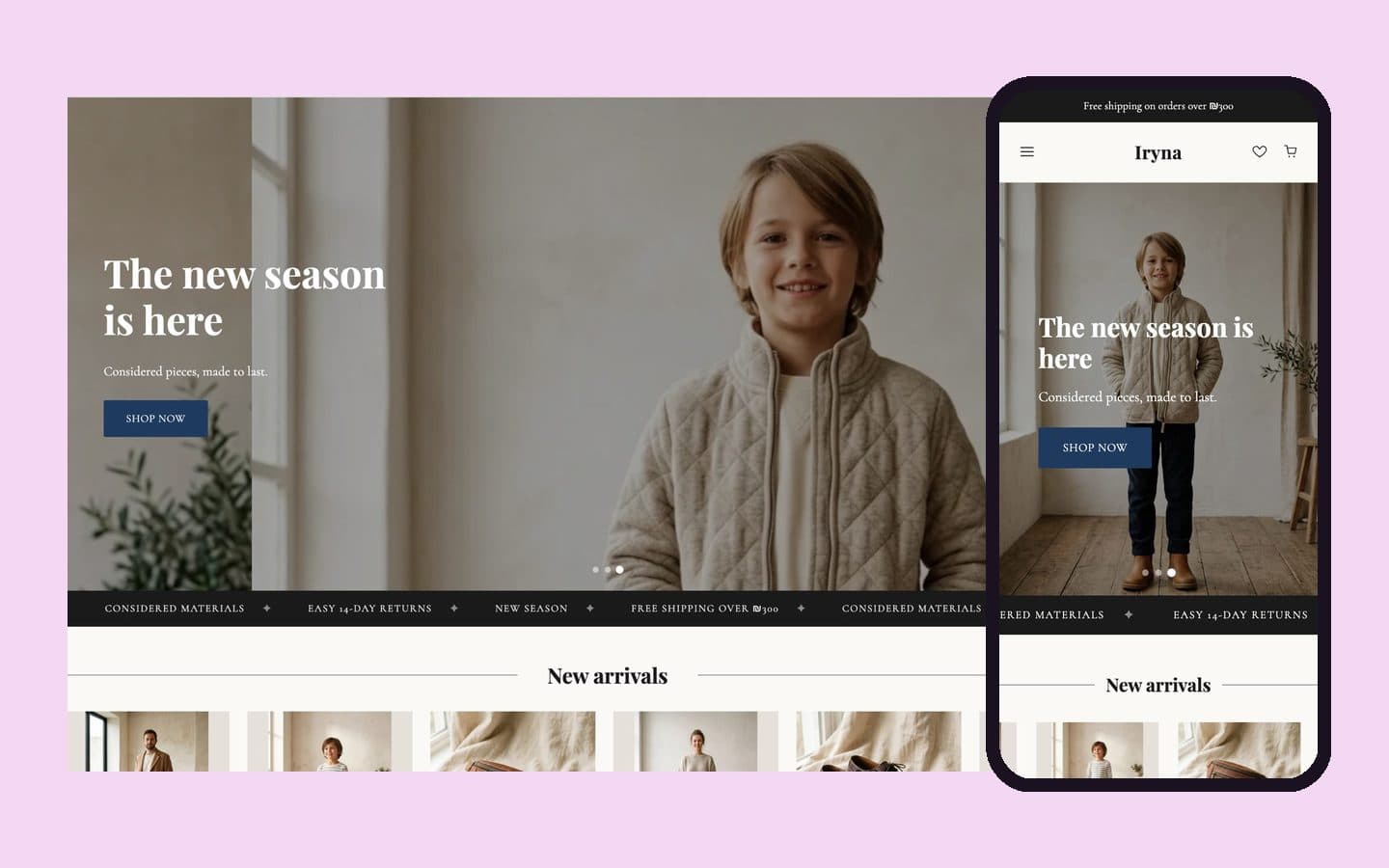
- Built for phone and wide screen alike
A separate product · not a theme
8 ready-made sectionsfor the theme you already have
No need to change your theme or install an app: add the sections to your Shopify store and set them up in the editor without code. The sections work in Hebrew, right-to-left; the guide and the licence are in Hebrew.
₪29
- One-time payment
- Licence for one store
- ZIP by email right after payment
Scrolling text bar
Benefits bar
Customer reviews
Before / after
FAQ
Size chart
Sale countdown
WhatsApp about the product